Buying your first Bitcoin can feel harder than it is. Most of the work is setup: you create an account, prove who you are, and link a way to pay. After that, buying takes a couple of taps. This guide covers each step on Binance.US and explains the fees in plain terms, so you know what you’re paying before you click “Buy.”
What Is Binance.US and Who Can Use It?
Binance.US is the American exchange connected to the global Binance brand. It runs separately and is built to follow U.S. rules. It lists more than 200 digital assets. Bitcoin is the most traded, and Ethereum and Solana are also available.
The platform went through a rough stretch. In 2023 it lost its U.S. banking partners, and for a long time customers could only trade crypto for crypto. Dollar deposits and withdrawals came back in February 2025. A few months later, in May 2025, the SEC moved to dismiss its long-running lawsuit against Binance and Binance.US. Today you can once again move dollars in and out through your bank.
State Availability at a Glance
Before you start, check that the exchange works in your state. Binance.US is not available everywhere, and a few states only get part of the service.
| Status | States and Territories |
|---|---|
| Not supported | Alaska, American Samoa, Connecticut, Georgia, Guam, Maine, New York, North Carolina, North Dakota, Ohio, Oregon, Texas, U.S. Virgin Islands, Vermont, Washington |
| Crypto-only (no USD deposits or withdrawals) | Kansas, Wisconsin |
| Fully supported | Most other U.S. states |
This list changes from time to time, so check the official Binance.US Help Center before you sign up.
Step 1: Create Your Binance.US Account
You can sign up on the website or through the Binance.US app for iOS or Android. You’ll need:
- An email address you check regularly
- A strong, unique password
- A phone number for verification
After you confirm your email, you’ll get into a basic dashboard. You won’t be able to buy anything until you finish identity verification.
Step 2: Verify Your Identity (KYC)
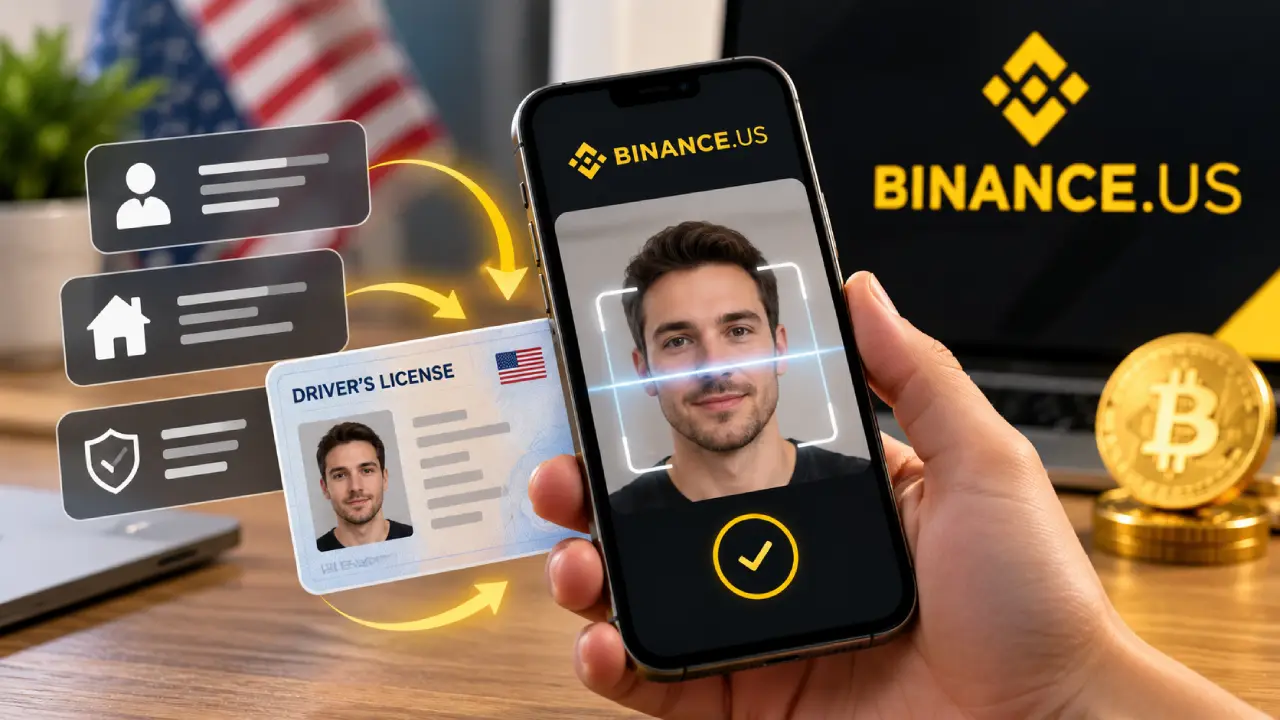
U.S. exchanges have to follow “Know Your Customer” rules, so everyone goes through this step. Binance.US uses two levels.
| Verification Level | What You Provide | What It Unlocks |
|---|---|---|
| Basic | Legal name, date of birth, Social Security number, home address | Standard buying, selling, and deposits |
| Advanced | Government photo ID plus a face scan | Higher limits and OTC trading access |
Most beginners only need Basic verification. Approval is often quick, but it can take longer when many people are signing up. Use your legal name exactly as it appears on your ID and bank account. A mismatch is one of the most common reasons bank links fail.
Step 3: Secure Your Account Before You Deposit
Turn on security features before you add any money. It takes about five minutes and protects you from the most common account takeovers.
- Two-factor authentication (2FA): Use an authenticator app instead of SMS if you can. Text codes can be intercepted through SIM-swap attacks.
- Anti-phishing code: This adds a personal phrase to every real Binance.US email, so fake ones are easier to spot.
- Withdrawal address allowlist: Crypto can only be sent to wallet addresses you’ve approved in advance.
Step 4: Fund Your Account
Next, add money. Your choice here affects your fees more than almost anything else.
| Funding Method | Deposit Fee | Speed | Best For |
|---|---|---|---|
| ACH bank transfer | Free | 1 to 5 business days to fully settle | Most buyers, especially regular purchases |
| Wire transfer | Free to deposit ($25 to withdraw) | Usually same or next business day | Larger one-time amounts |
| Debit or credit card | 3.99% | Instant | Small, urgent purchases |
| Apple Pay / Google Pay (app) | Card-based pricing | Instant | Mobile convenience |
| Crypto deposit | Free (network fee only) | Depends on the blockchain | People who already own crypto elsewhere |
For most people, an ACH bank link is the best option. It costs nothing, and you can use it for recurring buys later. Newly deposited funds may have a withdrawal hold of about seven days. You can usually buy crypto with the money right away, but you can’t move it off the platform until the hold ends.
If you live in Kansas or Wisconsin, you can’t deposit dollars directly. You can use the “Top Up” feature to buy USDT (a dollar-pegged stablecoin) through a third-party provider. You can also send crypto from another platform and trade it into Bitcoin.
Step 5: Choose How You Want to Buy Bitcoin
Binance.US has two ways to buy. They work very differently, and knowing the difference can save you money.
Buy Crypto (The Simple Option)
This is the one-tap option. You pick Bitcoin, enter a dollar amount, choose how to pay, and confirm. There’s no trading fee listed separately. Instead, a spread is built into the price, so you pay slightly more than the market rate.
Advanced Trade (The Cheaper Option)
Advanced Trade opens a full order book with charts. You can place a market order, which buys immediately at the best available price, or a limit order, which buys only if Bitcoin reaches a price you set. There’s no built-in spread. You pay a small maker or taker fee instead.
| Feature | Buy Crypto | Advanced Trade |
|---|---|---|
| Ease of use | Very easy | Moderate learning curve |
| How you pay fees | Spread included in the price | Maker/taker fee |
| Typical fee on Tier I pairs like BTC/USD | Spread varies | 0% maker, 0.02% taker |
| Order types | Instant buy only | Market, limit, and more |
| Price control | None | Full control with limit orders |
| Good for | First purchase, small amounts | Regular buyers, larger amounts |
If you pay trading fees with BNB, Advanced Trade fees drop by another 5%. Once you’ve made a buy or two with the simple option, it’s worth switching to Advanced Trade. With a limit order, you pay the maker fee, which is currently zero on BTC/USD.
Step 6: Place Your First Bitcoin Order
Here’s what a first purchase looks like with Advanced Trade:
- Open Trade and select Advanced.
- Search for the BTC/USD pair.
- Pick Limit and enter the price you want to pay, or pick Market to buy now.
- Enter how much you want to buy, either in dollars or in BTC.
- Review the order summary and fee estimate, then confirm.
Your Bitcoin appears in your spot wallet as soon as the order fills. You don’t need to buy a whole coin. You can buy a small fraction of a Bitcoin.
Step 7: Decide Where to Keep Your Bitcoin
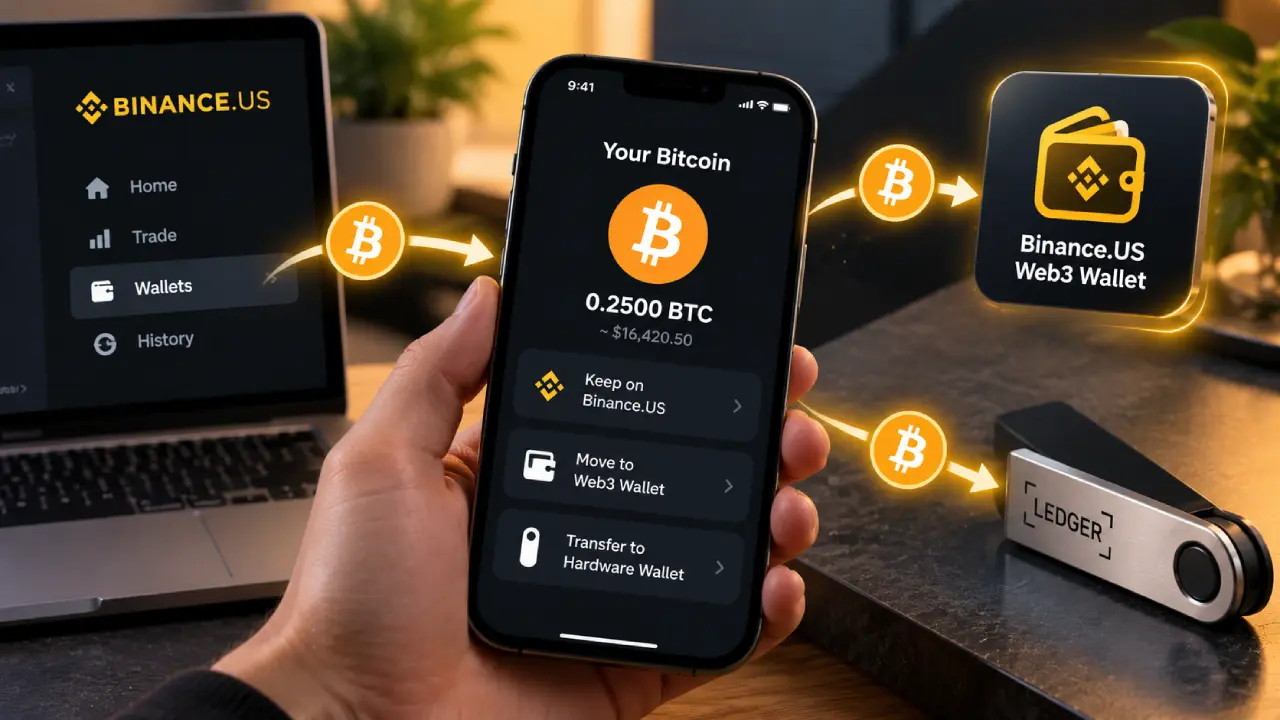
Once you own Bitcoin, you can leave it on the exchange or move it to a wallet you control. Each choice has tradeoffs.
| Storage Option | Control | Convenience | Main Risk |
|---|---|---|---|
| Keep on Binance.US | Exchange holds the keys | Very high | You depend on the platform’s security and solvency |
| Binance.US Web3 Wallet | You control keys (MPC-based) | High | Losing your recovery setup |
| Hardware wallet | Full self-custody | Lower | Losing the device and seed phrase |
Many long-term holders move their coins to a hardware wallet once the balance is big enough that losing it would really hurt. Bitcoin withdrawals come with a network fee, and the exchange shows you the exact amount before you confirm. Double-check the network you pick. Sending BTC on the wrong network is one of the most costly mistakes beginners make.
Setting Up Recurring Buys
If you’d like to invest a set amount on a schedule instead of trying to time the market, look at Auto-Buy. You pick Bitcoin, an amount, and how often to buy, and the purchase draws from your linked bank account or your USD balance. This approach is often called dollar-cost averaging. It evens out the effect of Bitcoin’s price swings over time and takes emotion out of the process.
Auto-Buy runs through the simple Buy Crypto flow, so each purchase includes a spread. If you want the lowest cost, you can put in a limit order through Advanced Trade on a regular schedule instead.
Binance.US Fee Summary
Here are the main costs in one place:
| Fee Type | Cost |
|---|---|
| ACH deposit and withdrawal | Free |
| Wire deposit | Free |
| Wire withdrawal | $25 plus any bank fees |
| Card deposit | 3.99% |
| Advanced Trade (Tier I pairs, including BTC/USD) | 0% maker, 0.02% taker |
| Advanced Trade (Tier 0, BNB/USD) | 0% maker, 0.01% taker |
| Buy, Sell, and Convert | Spread built into the price |
| Crypto withdrawals | Dynamic, based on network conditions |
| Account or inactivity fees | None |
Don’t Forget About Taxes
In the U.S., the IRS treats crypto as property. Buying Bitcoin isn’t taxable, but selling it, trading it for another coin, or spending it usually is. Reporting rules have also gotten stricter. Starting with transactions on or after January 1, 2025, exchanges have to report your gross proceeds on the new Form 1099-DA. For transactions on or after January 1, 2026, they also have to report cost basis for covered assets.
Keep your own records from your first purchase: date, amount, price, and fees. This matters most if you move coins between platforms, because an exchange can’t track cost basis for Bitcoin that arrived from somewhere else. For advice specific to your situation, talk to a tax professional.
Common Beginner Mistakes to Avoid
- Paying card fees for no reason. A 3.99% card fee on a $1,000 buy is almost $40. The same buy through ACH costs nothing to fund.
- Skipping 2FA. Most hacked exchange accounts had weak or missing security.
- Buying with money you need soon. Bitcoin can drop 20% or more in a short time.
- Falling for “support” scams. Binance.US staff will never ask for your password, 2FA codes, or seed phrase.
- Ignoring the withdrawal hold. Plan ahead if you might want to move coins right after you deposit.
Quick-Start Checklist
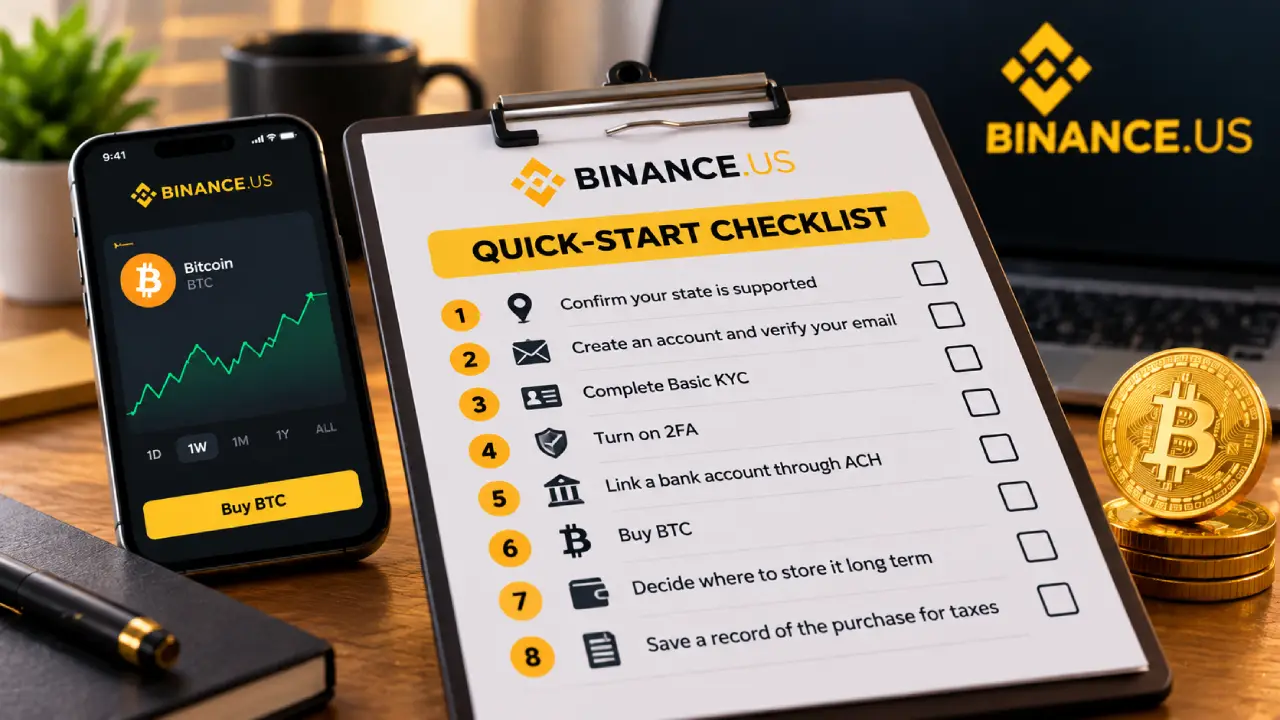
| Step | Action | Done? |
|---|---|---|
| 1 | Confirm your state is supported | ☐ |
| 2 | Create an account and verify your email | ☐ |
| 3 | Complete Basic KYC | ☐ |
| 4 | Turn on 2FA and an anti-phishing code | ☐ |
| 5 | Link a bank account through ACH | ☐ |
| 6 | Buy BTC with Buy Crypto or a limit order | ☐ |
| 7 | Decide where to store it long term | ☐ |
| 8 | Save a record of the purchase for taxes | ☐ |
What Players Should Know
Getting started on Binance.US is easier now than at any point since 2023. Free bank transfers are back, and trading fees on Advanced Trade are among the lowest of any U.S. exchange. For the best experience, secure your account first, fund it with ACH, and move from the one-tap buy to limit orders once you’re comfortable. Most important, only invest money you can afford to leave alone through Bitcoin’s ups and downs.
This article is for educational purposes only and is not financial or tax advice.